Claude Opens Microsoft 365 Access To All Users: A New Era of Workplace AI Integration
Anthropic has taken a significant step forward in democratizing AI workplace integration by extending its Microsoft 365 connector to all users of Claude, including those on free plans. This move represents a pivotal moment in how AI tools are becoming deeply embedded in daily work environments, signaling a shift toward more seamless and accessible AI assistance.
Breaking Down Barriers to AI Access
Previously, the Microsoft 365 integration was limited to Team and Enterprise tier users, creating a barrier for individual users who wanted to leverage AI capabilities with their workplace data. By opening this feature to all users, Anthropic is fundamentally changing how individual contributors interact with workplace information, enabling Claude to access data directly from essential productivity tools rather than working in isolation.
This expansion transforms the AI experience from a fragmented tool to an integrated part of the workflow. Instead of manually uploading files or copying and pasting content, users can now let Claude pull relevant context directly from their Microsoft 365 workspace, creating a more fluid and efficient interaction model.
From Isolated Assistance to Embedded Intelligence
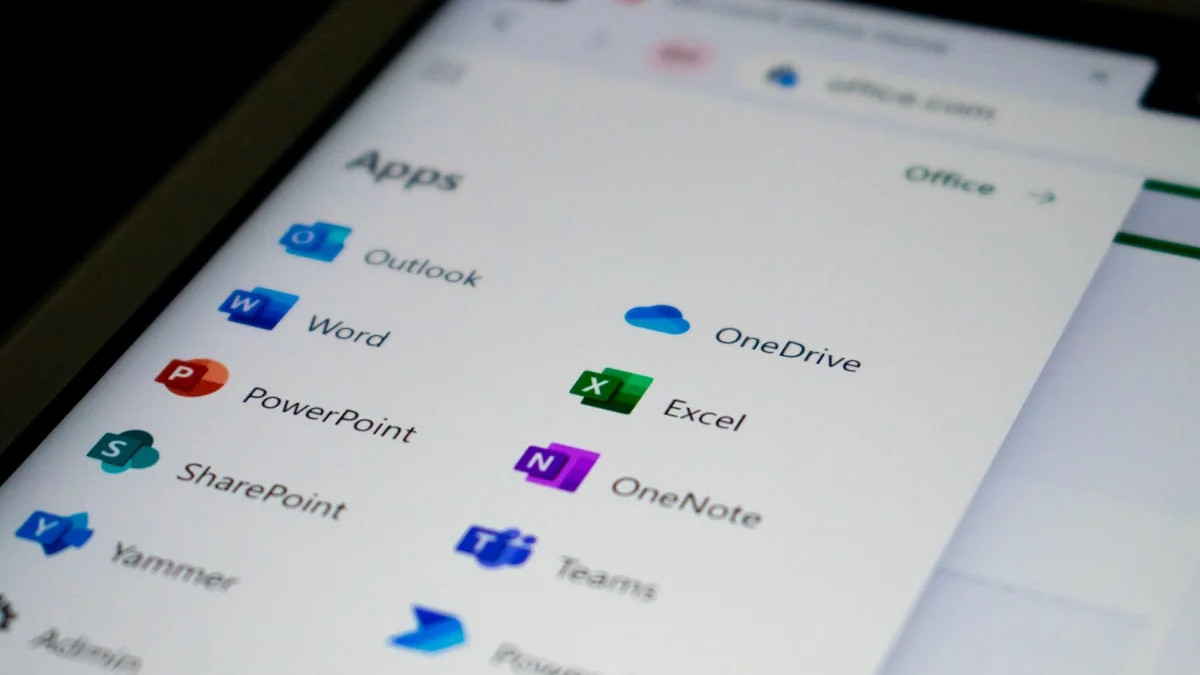
At the heart of this update is Claude’s enhanced ability to connect with core Microsoft 365 applications including Outlook, Teams, SharePoint, and OneDrive. This integration moves AI beyond reactive assistance to become an embedded intelligence layer within existing workflows.
Consider the practical implications: a user preparing for a meeting can now ask Claude to surface relevant email threads, past discussions from Teams, or documents stored in SharePoint—all without switching between applications. This seamless integration gives Claude access to contextual data that reflects ongoing work rather than static inputs, making the AI’s responses more relevant and actionable.
Understanding the Boundaries: Read-Only Access
It’s important to note that the current connector operates with read-only access. Claude can search, retrieve, and analyze information across services like Outlook, Teams, SharePoint, OneDrive, and calendars, but it cannot take action within these systems. This means Claude won’t send emails, schedule meetings, or create documents directly.
This design choice reflects a deliberate and cautious approach that prioritizes visibility and insights over execution. It allows users to experiment with AI integration in their workflows without introducing operational risks associated with automated actions in core business systems. For enterprises concerned about automation acting independently within sensitive environments, this read-only limitation provides a comfort zone while still delivering substantial value.
Navigating Administrative Controls
While the feature is now available across all pricing tiers, access isn’t entirely frictionless. Users must authenticate through a Microsoft 365 account linked to a Microsoft Entra tenant, which introduces necessary security measures.
For individual users on Free, Pro, or Max plans, a Microsoft Entra Global Administrator needs to complete a one-time consent process. In team and enterprise environments, workspace owners must enable the connector before organization-wide authentication is granted. This layered approval structure reflects the sensitivity of enterprise data and ensures organizations retain control over how AI tools interact with internal systems.
Implications for the Future of Work
This rollout highlights a broader industry shift in how AI assistants are evolving—from standalone tools to integrated layers within existing software ecosystems. By connecting directly with workplace applications, Claude positions itself closer to how work actually happens. The value proposition has evolved beyond merely generating responses to understanding context across emails, conversations, and documents.
The balance between accessibility and control embodied in this integration will likely shape how quickly such features move from optional enhancements to standard workplace infrastructure. For users, the change is subtle but meaningful—AI is no longer something you go to; it’s increasingly something that works alongside the tools you already use.
Looking Ahead
As AI continues to mature in workplace settings, features like Claude’s Microsoft 365 integration represent the next evolution in productivity tools. By removing access barriers while maintaining appropriate security controls, Anthropic is positioning Claude as a viable AI assistant for users across all levels of an organization.
This development suggests we’re moving toward a future where AI assistance is seamlessly woven into our existing digital workflows, enhancing rather than replacing the tools we already depend on. Organizations and individuals alike should consider how this deeper integration might transform their approach to information management and collaborative work.
FAQ
How do I connect Claude to my Microsoft 365 account?
To connect Claude to your Microsoft 365 account, you’ll need to authenticate through a Microsoft 365 account linked to a Microsoft Entra tenant. For individual users on Free, Pro, or Max plans, a Microsoft Entra Global Administrator needs to complete a one-time consent process.
What Microsoft 365 apps can Claude access?
Claude can access Outlook, Teams, SharePoint, OneDrive, and calendars through the integration. The connector operates with read-only access, meaning Claude can search, retrieve, and analyze information but cannot take action within these systems.
Is the Claude-Microsoft 365 integration free to use?
Yes, Anthropic has extended the Microsoft 365 connector to all users of Claude, including those on free plans. However, administrative controls may still apply depending on your organization’s settings.
What are the security implications of this integration?
The integration includes layered approval structures that reflect the sensitivity of enterprise data. Organizations retain control over how AI tools interact with internal systems through workspace owner controls and Microsoft Entra tenant authentication.
How does Claude use my Microsoft 365 data?
Claude uses your Microsoft 365 data to provide contextual responses based on your emails, documents, and conversations. The AI can surface relevant information without sending emails or creating documents directly.
How This Changes Workplace Productivity
The integration of Claude with Microsoft 365 represents a fundamental shift in how we interact with workplace AI:
-
Contextual Awareness: Claude can now understand the full context of your work environment, making its suggestions and insights more relevant.
-
Reduced Context Switching: No more copying and pasting information between applications - Claude can access what it needs directly.
-
Enhanced Decision Making: With access to your communications and documents, Claude can provide more informed recommendations.
-
Time Savings: Quick access to relevant information means less time spent searching and more time creating value.
Why This Matters for Enterprise AI Adoption
This integration signals a maturation of enterprise AI adoption:
- Democratization: Making advanced AI features available to all users, not just enterprise customers
- Trust Building: Read-only access addresses security concerns while still providing substantial value
- Workflow Integration: AI becomes part of existing workflows rather than requiring new processes
- Scalable Implementation: Organizations can adopt AI incrementally with appropriate controls