Setting up a Private Home Server: Your guide to 100% data control
Key Takeaways
- A home server allows you to own your data—no more recurring cloud storage fees or privacy concerns.
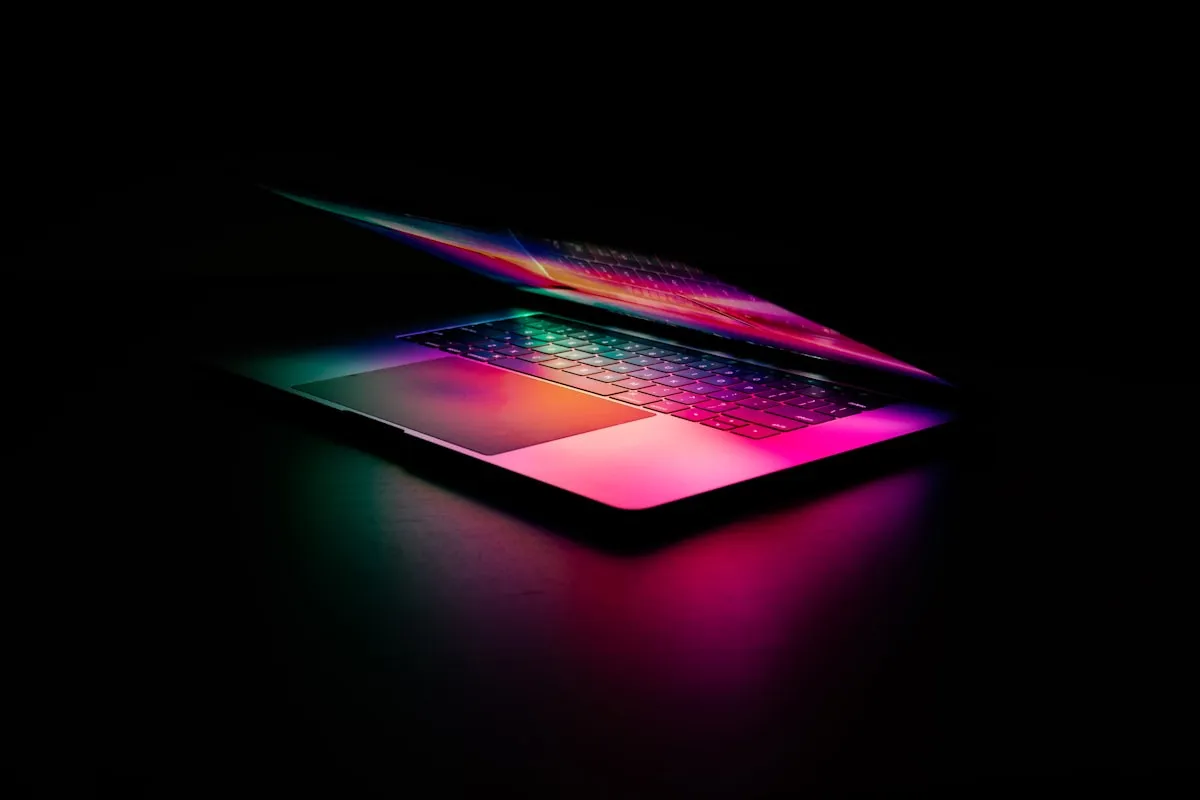
- The best hardware for 2026 home servers are low-power Mini-PCs (like the Apple Mac Mini or Intel NUC).
- Nextcloud is the 'Gold Standard' for a private cloud experience, including files, photos, and calendar.
- Sovereign tech means that your data lives where you live, under your physical and digital control.
The Home Server Revolution
For decades, the “Home Server” was something only tech enthusiasts and developers built. In 2026, it’s becoming a mainstream tool for the Sovereign Professional.
Why? Because we’ve realized that the “Cloud” is just someone else’s computer. If you want 100% control over your data, your memories, and your digital identity, you have to bring them back home.
Welcome to the Home Server Guide.
Why Build a Home Server in 2026?
- Zero Recurring Fees: Stop paying $10-$20 a month for Google One or iCloud. A one-time investment in a home server will pay for itself in less than two years.
- Ultimate Privacy: Your photos, documents, and emails are stored on your physical hardware, in your own house. No one can scan them for “ad-targeting” or “AI training.”
- Local-First Speed: Accessing your files over your local Wi-Fi is significantly faster than downloading them from a remote data center.
The 2026 Hardware Stack
In 2026, you don’t need a massive, power-hungry rack. The best home servers are small, silent, and efficient.
- The Mac Mini (M4/M5): The easiest way to get started. High performance, low power, and incredibly reliable.
- The Intel NUC (14th/15th Gen): Perfect for those who want a dedicated Linux server (Ubuntu or Debian).
- The NAS (Network Attached Storage): Companies like Synology and QNAP offer “Ready-to-Use” servers that are perfect for beginners.
The “Sovereign” Software Stack
Once you have your hardware, you need the right software to make it useful.
- Nextcloud: The “Swiss Army Knife” of self-hosting. It replaces Google Drive, Google Photos, Google Calendar, and Google Contacts in one easy-to-use interface.
- Plex or Jellyfin: For hosting your own media library (movies, music, TV shows) without a subscription.
- Home Assistant: For controlling your smart home devices entirely locally, without them “phoning home” to a cloud provider.
- Vaultwarden: A self-hosted version of Bitwarden, allowing you to manage your passwords securely on your own hardware.
How to Get Started (The 3-Step Process)
Step 1: Choose Your Hardware
Decide how much storage you need (4TB is a great starting point for most families) and buy your server.
Step 2: Install your “Operating System”
If you are using a Mac, use the built-in macOS features. If you are using a PC, install Proxmox or a simple Ubuntu Server and use Docker to manage your apps.
Step 3: Secure Your Connection
The biggest risk of a home server is exposing it to the web. Use a VPN (like Tailscale or WireGuard) to access your server from outside your house securely. Never just open ports on your router.
Conclusion: Your Data, Your Home
In 2026, the most valuable “Real Estate” you own is your Digital Real Estate. By building a private home server, you are securing your future and reclaiming your sovereignty.
Vucense is your source for the latest in self-hosting and sovereign tech. Subscribe for more guides.

Comments
Similar Articles
De-Googling Your Life: A 7-day guide to digital independence
Is it possible to live without Google in 2026? Discover the step-by-step process to reclaiming your data and achieving true digital sovereignty.
Confidential Computing: How hardware-level privacy is changing the US tech landscape
In 2026, software encryption is no longer enough. Discover how Confidential Computing is protecting data even while it's being processed.

The Architecture of Silence: How to build a data-secure digital life
In 2026, the loudest voices are the ones tracking you. Discover the 'Architecture of Silence'—a design for a private and sovereign digital existence.